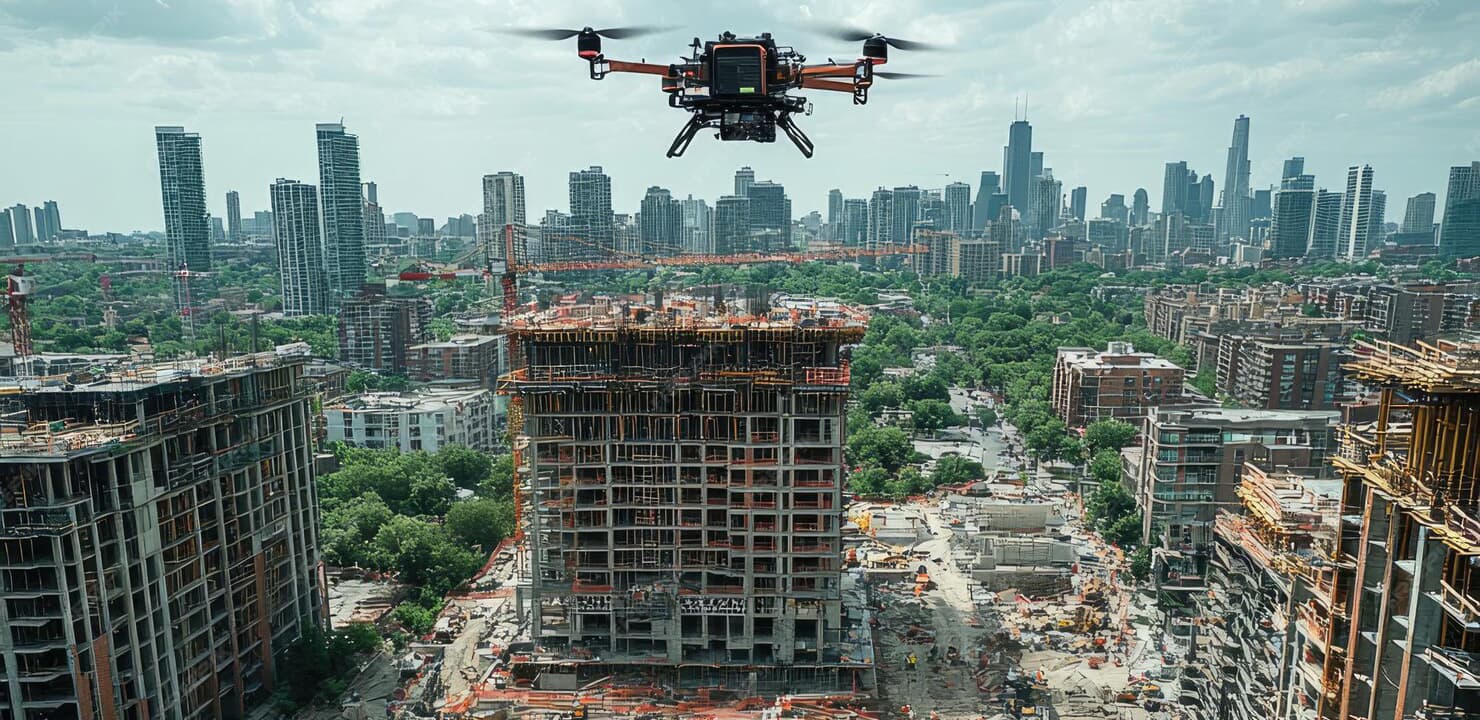
Project status and progress
Current status and overall progress for the project, with the active areas called out rather than buried in a schedule.

NovaConstra
See what has been built. Track what comes next.
Repeat site capture turned into progress you can defend — by project, zone, building and phase, with the imagery behind every figure.
Phase progress
Previous capture
Latest capture
Milestones
Project overview
One view per project: where it stands, what is active, what was captured last, and what is due next.
Current status and overall progress for the project, with the active areas called out rather than buried in a schedule.
Milestones tracked against the phases they belong to, so a slip is visible where it happens.
The most recent inspection, survey and site imagery for the project, all reachable from the overview.
Where NovaSurveillance is deployed on the project, its feeds and events appear in the same project context.
Site progress monitoring
Each capture is compared with the last, so progress is evidenced by imagery and survey rather than asserted in a spreadsheet.
Drone flights, site imagery and inspection runs on a regular interval.
Each capture is set against the previous one over the same footprint.
Change is attributed to zones, structures and phases of work.
Progress is recorded per zone and phase, and reported to the project team.
Comparison is the core of progress evidence.
The visual record behind every progress claim.
Reporting that owners, lenders and contractors can use.
Building monitoring
On a multi-building project, progress only means something at the level of a specific structure and a specific floor.
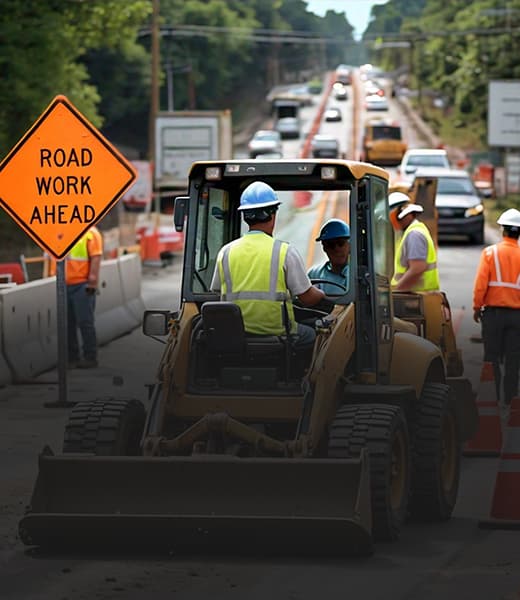
Every building moves through the same sequence, so progress in one is comparable with progress in another — and with the programme.
Progress read at the level the site actually works at.
Both faces of the building carry progress evidence.
Defects and blockers recorded where they occurred.
Progress is derived from captured imagery, survey data and site records. Model-based (BIM) integration is not part of the platform as presented here.
Connected platforms
Inspection findings, survey measurements and live feeds all resolve to the project NovaConstra reports on.
Give us a project, its zones and a capture interval, and we will set out how NovaConstra would report its progress.
Talk to NovaMetrics